
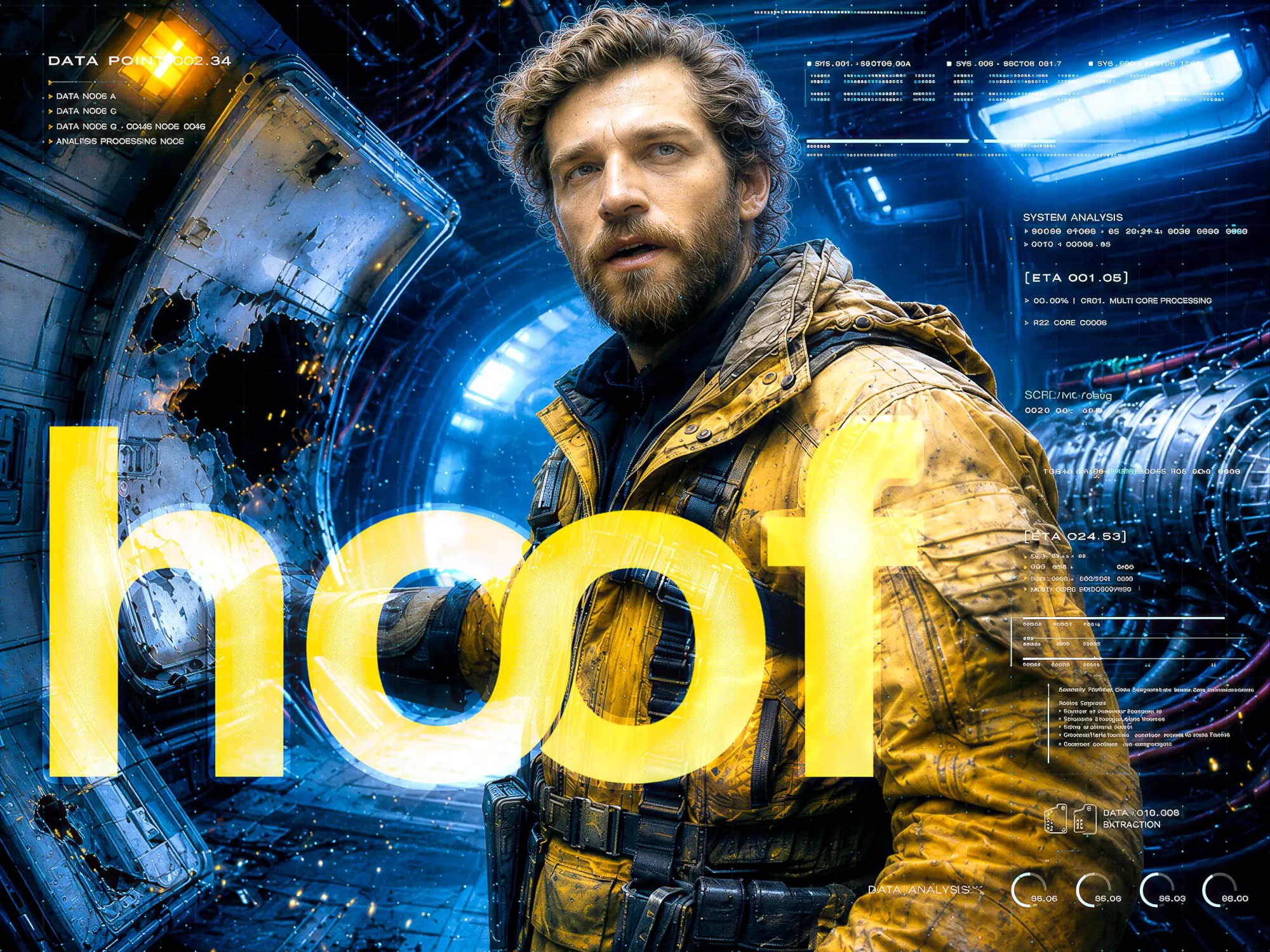
Four years ago I started a project to create soundtrack music and visuals for a non-existent movie, Abandom. I created two connected pieces of music, the theme, and a song with vocals. And I made videos for both, based on stock video material.
With the arrival of a barrage of AI models and platforms, it is easier to create visuals and videos, especially if you have an idea in your head. Which is kind of my thing. Ideas overflowing all of the time.
The Abandom Theme was something I really liked when I composed it, and I learned a ton creating the video. I did a lot of color correction, editing to music, and I ended up using the sound of the falling drop in the beginning in the rhythm track of the music.
In the track, I used parts of an old radio play that is in the public domain. I guess it is from a science-fiction story, and I used the voices to create the haunted atmosphere that suggested the movie it was for was about an abandonned planet or space ship or whatever.
I created a series of new mixes of the theme with Suno, and pushed it in a different direction, combining cinematic techno, psytrance, hardstyle and sweeping movie soundtrack and symphonic strikes and strokes. The samples from the first version take center stage here, and tell the story, now mainly playing on a malfunctioning space ship.
This video was created as a way to test different platforms that offer options to put visuals to your music track. I tested Rotor Videos and Sondo for this. For another song I have used Vidmuse. That last one offers way more control over the visuals; I have two other tracks in the making to show this.
The material that comes from these platforms was just the ‘stock material’ I used to create this video. To begin, it had to be upscaled. I used Topaz Video to add detail and sharpness. And then it was just working like four years ago in Adobe Premiere for the main edit, and then to After Effects to destroy the resulting scenes.
A trick I used in the ‘To Be Free‘ video (also a first try to use AI generated ‘video’) was that I used the tech in Adobe Premiere to automatically generate subtitles from the text in the audio. They were cut-up to fit the tempo of the music, and then promoted the subtitles to full titles. I also added layers of distorting monitor lines, noise, grunge, and glitch to the titles, and even more to the underlying layers. And to top it off, a variety of overlays depicting all kinds of interface elements, rolling numbers and graphics.
And all is still just a fun experiment to learn, discover and use the tools. Some to never use again, some to keep in my back pocket for now. Also, the music track kind of kicks ass.
You would think with all those modern tools, a thing like this is done in an hour or two, but no. It was still more than three days of work after all. And, like in all creative endeavors, I want to do it all over again, but better. But you have to let go at some moment. Other nice things in the making after all.

